Help / TheyRave Broadcasting Studio
Run TRBS from your phone
Switch scenes, hide layers, change sound and start the stream from your phone with Connect a phone.
The phone remote lets you work TRBS from your phone while you are away from the PC, such as on camera across the room. It runs in Backstage on theyrave.com.
Before you start: you need a TheyRave account to sign in to Backstage on your phone. Going live from the phone is for Supporters.
Connect
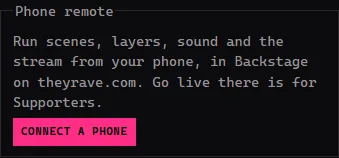
In TRBS, under Phone remote, press Connect a phone. TRBS shows a code.
On your phone, sign in at theyrave.com and open Backstage, then Go live, then Studio.
Tap Connect TRBS and type the code. It works for 2 minutes.
TRBS says Phone connected.
Your scenes, layers and sound now show on your phone, and what you change there changes in TRBS.
To stop, press Disconnect in TRBS. Cancel stops while the code is still showing.
If something goes wrong
- The code does not work. It may have run out. Press Cancel, then Connect a phone for a new one.
- The phone stops responding. Check the PC is still online and TRBS is open. Then connect again.